News
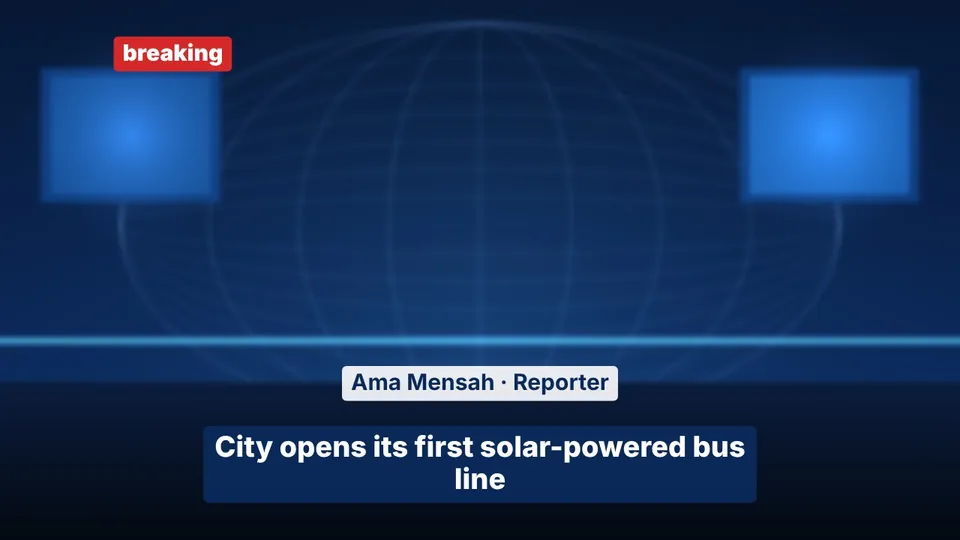
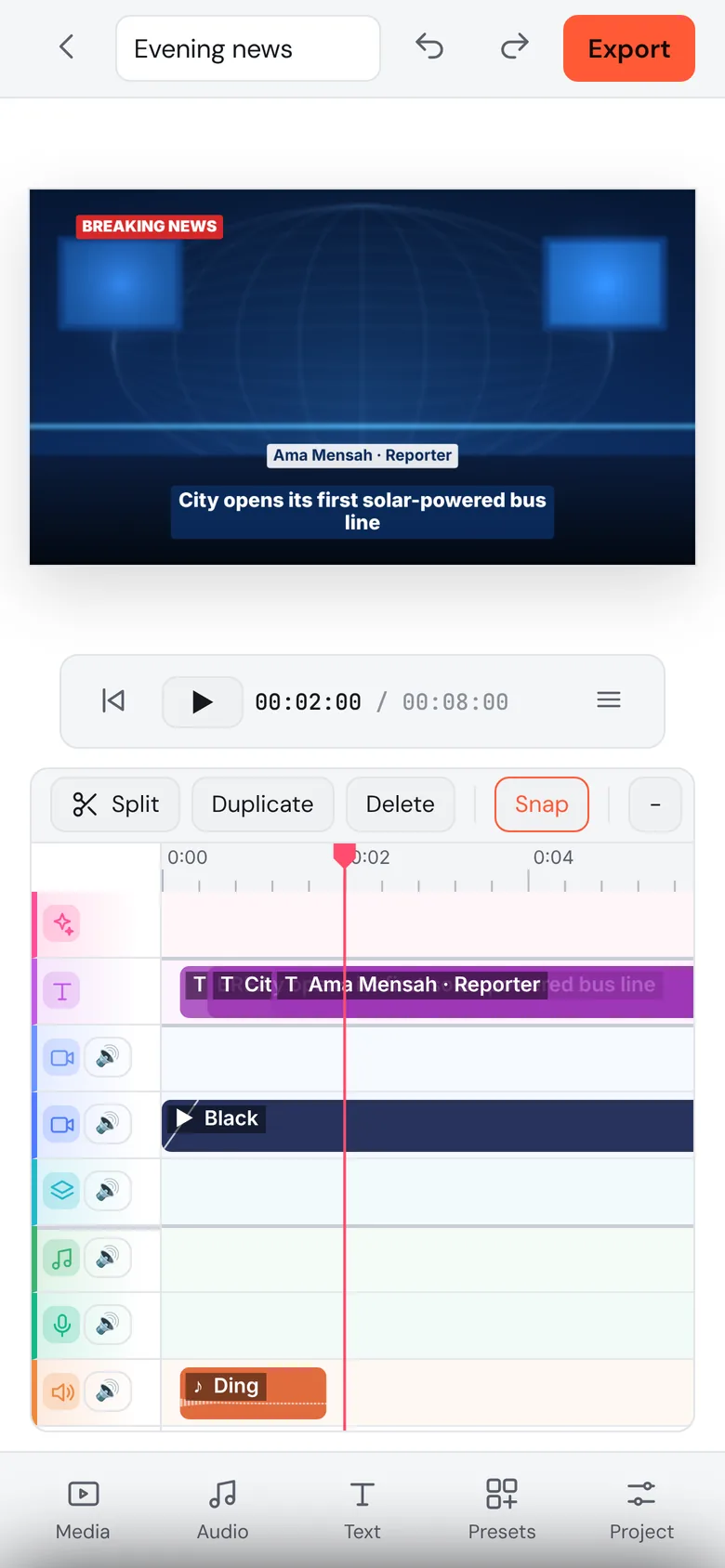
You at a news desk with a banner, headline bar, your name on screen and a chime.
Pick what you're making: news, a reel, a short film, a podcast or motion design. Reelforge builds the first cut in one tap. Then tap any track for ready-made presets and export your MP4.
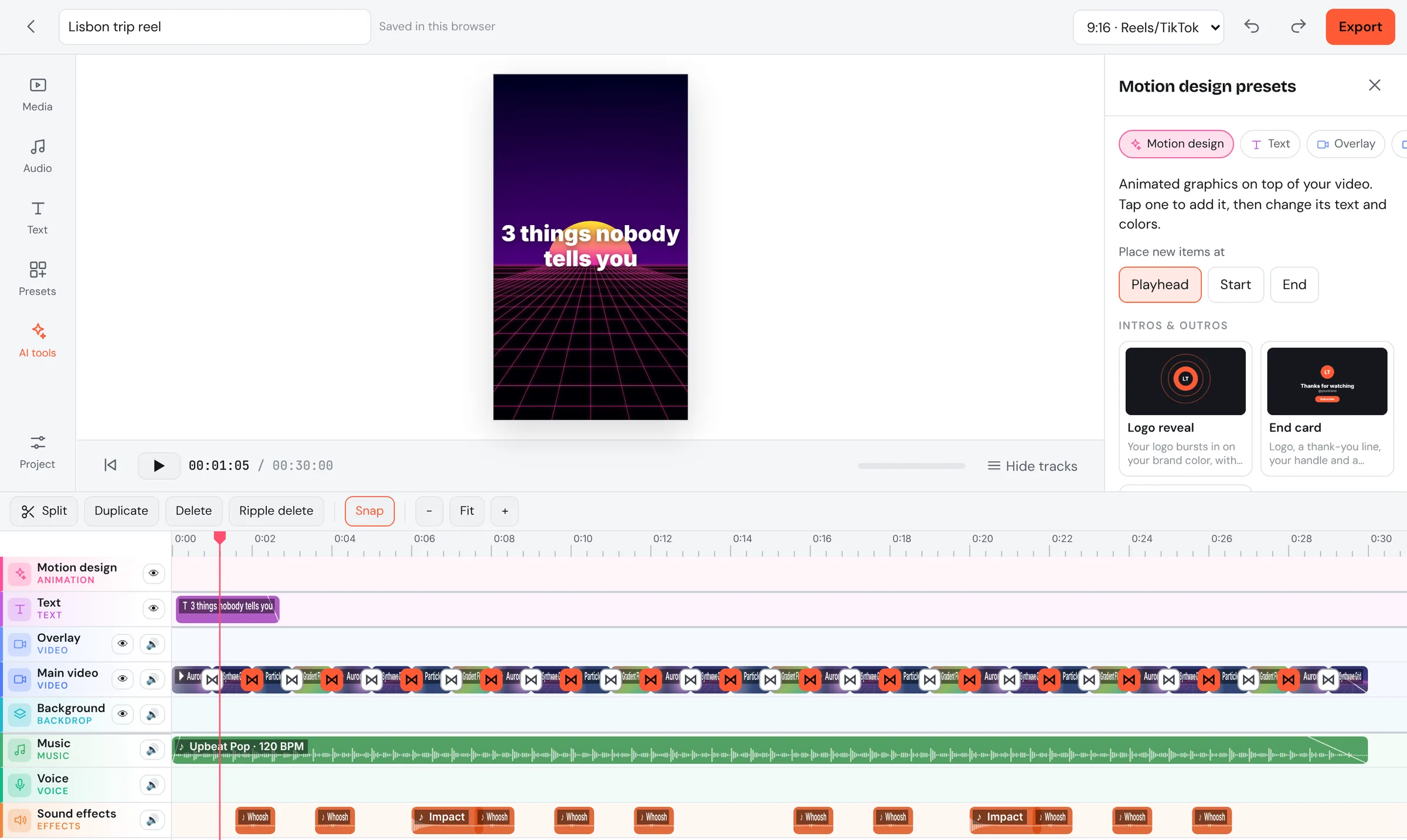
Each type comes with its own layout, music, titles and sound. Fill in a few words and get a first version you can play right away.
You at a news desk with a banner, headline bar, your name on screen and a chime.

Vertical and fast. A hook in the first second and cuts that land on the beat.

Title card, shots in story order, smooth crossfades, a film look and end credits.
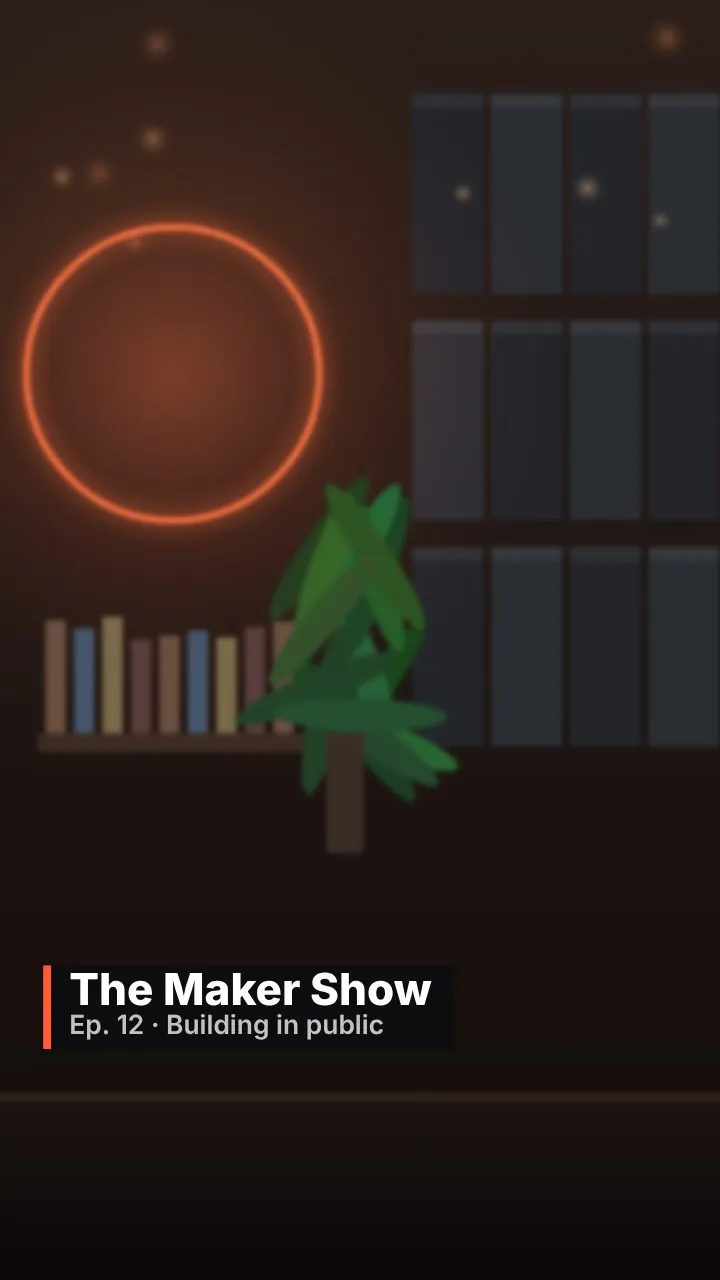
You in a studio (we cut you out of your room), with episode titles and a moving waveform.
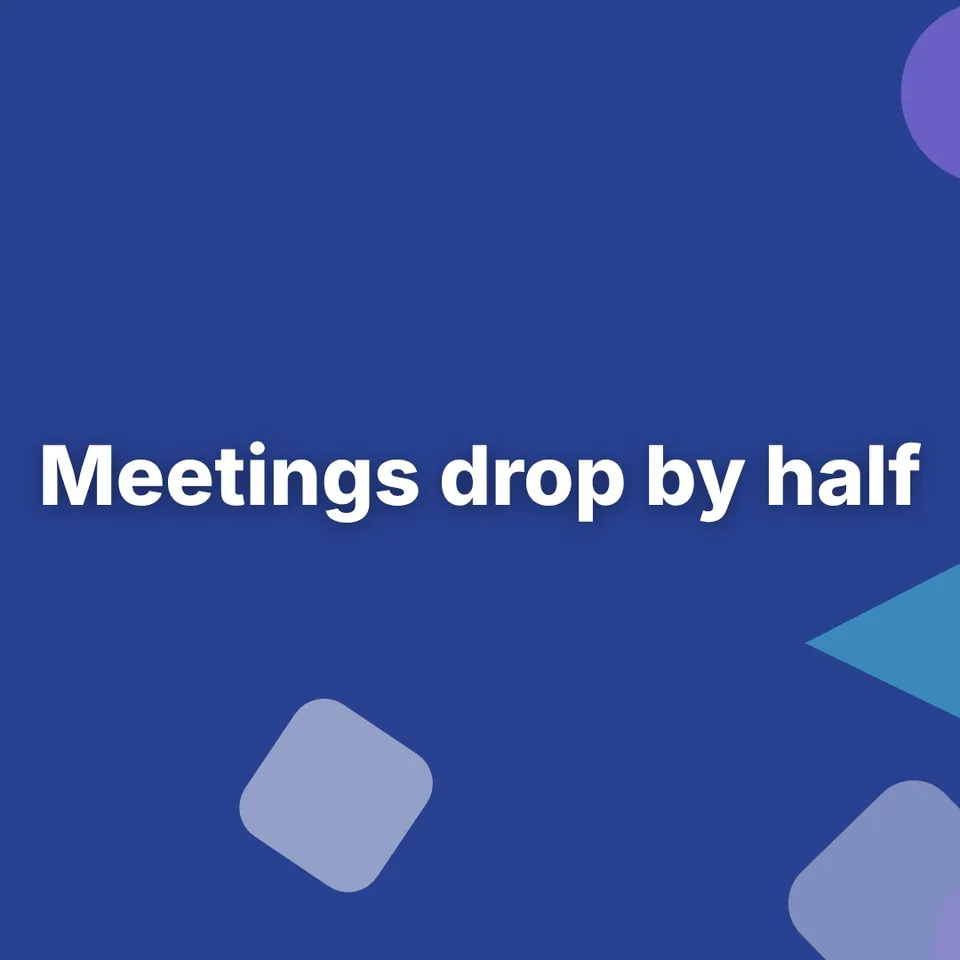
Type four lines, get an animated explainer with shapes, text and music. No footage needed.
News, reel, short film, podcast or motion design. Or start blank.
Drop in videos, photos or a voice recording. Or just type your key points.
Every track has its own presets: titles, music, sound effects, looks, backgrounds.
Get an MP4 with balanced, loud-enough sound for Instagram, TikTok and YouTube.
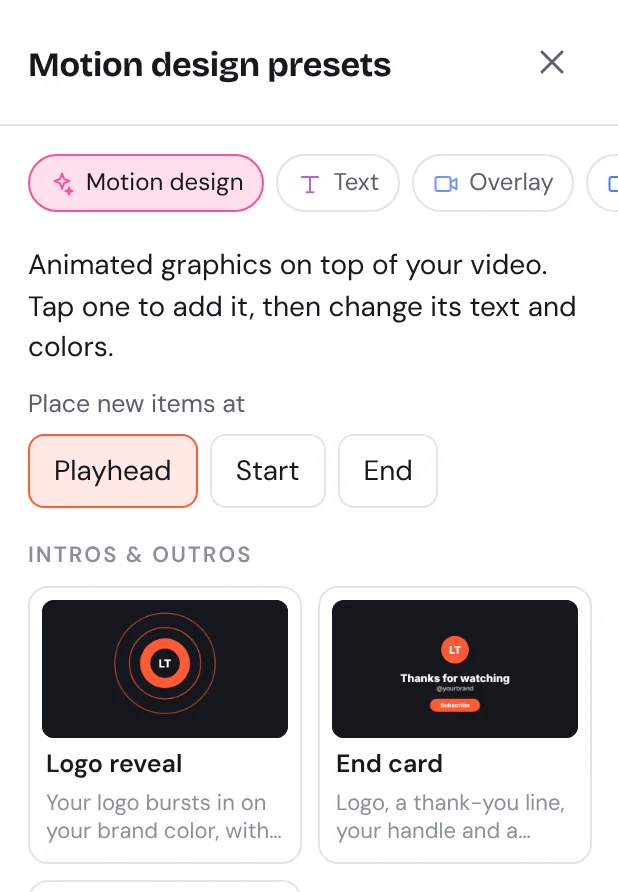
Over 120 presets, each with a live preview. Place them at the playhead, the start or the end, then change the words and colors.
Put yourself in a studio without a green screen. It runs on your device.
Talk over your video right in the app. It lands on the Voice track.
Pop, lo-fi, cinematic, corporate, tension and news. No licenses to buy.
Clear voice, music that steps aside when you talk, and the right loudness for each platform.
Save your colors, logo and favorite look once. Start every new video from it.
Split, trim, move, select many, undo, snap to the beat, 9 transitions.
Same editor on iPhone, Mac and PC. Your projects follow you.
9:16 for Reels and TikTok, 16:9 for YouTube, 1:1 and 4:5 for feeds.
Your projects, media and styles are only visible to your account.
Start free and make as many videos as you like. Go Pro when you want them clean, sharp and with your brand.
To try Reelforge and make your first videos.
No credit card needed.
Start freeFor creators and businesses who post often.
$59 billed once a year
Start free, upgrade anytimeThe first 100 Pro members pay $4.99 a month, for as long as they stay. Pick Monthly when you go Pro to get it while spots last.
No. Reelforge runs in Safari, Chrome, Edge and Firefox. Open the site, log in and start editing.
Yes. The editor adapts to phones: presets open as bottom sheets, and you can record your voice and export from Safari.
Yes. Pick what you're making, fill in a few words and Reelforge builds a first version. Then change only what you want, by tapping presets.
Only you. Every project, media file and style belongs to your account and is checked on every request.
Yes. The music moods and sound effects are made by Reelforge itself, so there's no license to buy for them.
Free has every tool, with up to 3 projects, 720p export and a small Reelforge mark. Pro ($7.99 a month, or $59 a year) removes the mark, exports in 1080p, and gives you unlimited projects, 20 GB of storage and your brand kit.
Yes. Cancel in one click and keep Pro until the end of the period you paid for. Your projects stay in your account.
Videos (MP4, MOV, WebM), photos (JPG, PNG) and audio (MP3, WAV, M4A, AIFF). Or record your voice in the app.
Start free, no credit card. It takes about a minute to sign up.
Start free